Contact Page Guide: How to Reach Us and What Happens Next
If you have ever hovered over a contact form and wondered what happens after you hit send, this is the plain version.
Most people do not mind reaching out. What they mind is the awkward middle part: Did I send enough information? Will anyone see this? Am I supposed to follow up tomorrow, next week, or never? A good contact page removes that little cloud of uncertainty before it grows legs.
That matters because clear messages are easier to answer, and clear attachments are easier to open. The Purdue OWL email etiquette guide and Google’s Gmail attachment help both point in the same direction: short, organized, readable messages save everyone time. That is not glamorous, but neither is sorting through a five-sentence mystery with no subject line.
In this guide, I will map the contact process from the first message to the next step. You will see where to reach us, what to include, how to attach files, and when a follow-up makes sense. If you only need the short route, start with the Contact page. If you are still figuring out what kind of help you need, the Services & Info page and the Home page are the best places to orient yourself first.
- Where to contact us and which method fits which kind of question
- What to include so your message is easy to answer
- How response timing usually works
- How to attach photos or files without turning your inbox into a puzzle
- When to follow up and how to do it politely
Where to contact us
The clean answer is this: use the Contact page or email [email protected]. Those are the contact paths that are currently published on the site. The form is for visitors who want to type their details in a structured way, while email is useful if you already know exactly what you want to say.
No public phone number is currently listed on the site, so it is better not to go hunting for one like it is hidden treasure. If a phone number is published later, it should appear on the Contact page. Until then, email and the form are the reliable routes.
| Contact method | Best for | What to send |
|---|---|---|
| Detailed questions, requests with attachments, and anything that needs a clear written trail | Your name, your reason for writing, the date or timing that matters, and any supporting files | |
| Contact form | Quick inquiries from the site itself, especially if you want a simple structure | Name, email, message, and any short note about urgency or file links |
| Phone | Not publicly listed at this time | Use email or the form instead so the request stays in one place |
If you are trying to decide where your question belongs, the easiest test is this: if the answer needs a long explanation or a file, use email. If the answer is a short request and you want to start from the website, use the form. If you are just browsing, the Home page can give you the quick map first.

What to include in your message
The best contact message is not the longest one. It is the one that gives the reader the pieces they need without making them dig. A useful message usually has five parts: who you are, what you need, when you need it, any details that affect the answer, and how you want to be contacted back.
If you want a plain-language refresher on keeping writing clear, the PlainLanguage.gov guidelines are a good reminder that simple wording is not lazy wording. It is efficient wording. That is especially true on contact forms, where the goal is to get the right answer without a second round of detective work.
A simple message checklist
- Your name
- Your preferred contact email, if different from the one you are writing from
- The reason you are reaching out
- The date, time, or deadline that matters
- Any details that change the answer, such as guest count, file type, or special instructions
- Whether the request is routine or time-sensitive
- Any photos, screenshots, or documents that make the question easier to understand
Here is a simple subject line formula that works well:
| If you are asking about… | Try a subject line like… |
|---|---|
| A general question | Question about visiting and next steps |
| A time-sensitive request | Urgent request for this week |
| A file or photo | Photo attached for review |
| A service-related question | Question about services and availability |
If you want a template, copy this and fill in the blanks:
Subject: Reservation or inquiry for [date]
Hello,
My name is [name]. I am reaching out because [short reason]. I am hoping to [what you need]. The details that matter most are [date, time, file, or other note].
Please reply to [preferred email]. Thank you.
Three quick examples
Example 1: A straightforward question. If you are asking about a detail that only needs a short answer, keep the message short too. For example: “Hello, I am checking whether you can help with a private dining request for early next month. My party size is four, and I would like to know the best next step.” That gives the reader the request, the size, and the reason for reaching out without making them decode the whole backstory of your week.
Example 2: A time-sensitive note. If timing matters, say so right away. A useful opening line might be: “Hello, I am writing about a reservation inquiry for this Friday and need to confirm availability today if possible.” The key is to name the deadline in the first sentence, not in the closing line after three unrelated paragraphs. Urgency is easier to handle when it is visible immediately.
Example 3: A file-based request. If you are sending a photo or PDF, describe what the file shows. For example: “I attached a photo of the note I was asking about, plus a PDF with the dates I mentioned.” That tiny detail helps the reader know whether the attachment is there for context, comparison, or confirmation. It also reduces the chance that someone opens the wrong file and starts making decisions from half the picture.
What to avoid
There are a few things that tend to slow a reply down. A subject line that says only “Hi” does not help. A message that asks five different questions in one paragraph is hard to answer cleanly. A file named IMG_4839.jpg tells the reader almost nothing. And a note that says “urgent!!!” without explaining the deadline just creates stress without giving context.
The better move is to be specific, polite, and brief. If you need to give a longer explanation, keep the first two lines easy to scan. Think of that part as the doorway. Once the reader is in the room, they can handle more detail. If the doorway is blocked by a pile of miscellaneous words, the whole message feels heavier than it needs to be.
That is usually enough. A contact message should feel like a useful note to a human, not a form you wrote in a panic while staring at the ceiling fan. If you need more room, add one or two sentences with the context, but try to keep the first paragraph easy to scan.
How we respond
A good expectation is a reply within one to two business days for ordinary inquiries. That is not a promise, and it is not a stopwatch. Messages are answered in the order they arrive, and timing depends on the day, the volume of requests, and whether the note needs a follow-up question before it can be answered well.
Most responses follow a simple pattern:
- The message is received and opened.
- The details are checked for timing, availability, and any special notes.
- A reply is sent with either the answer, a clarification request, or the next step.
- If more information is needed, the conversation stays in the same thread so nothing gets lost.
That last part matters more than people think. A tidy thread is easier to search later, easier to forward if needed, and easier to keep consistent. For larger businesses, request-routing tools can also help keep this part organized. A neutral overview such as AI integration services can be useful when a team wants to connect a contact form to the rest of its workflow without turning every new inquiry into manual sorting.
When we respond, the tone should feel straightforward and helpful. No riddles. No corporate fog machine. If the answer is yes, the reply should say yes clearly. If the answer is no or not yet, it should explain what information is missing or what alternative makes sense.
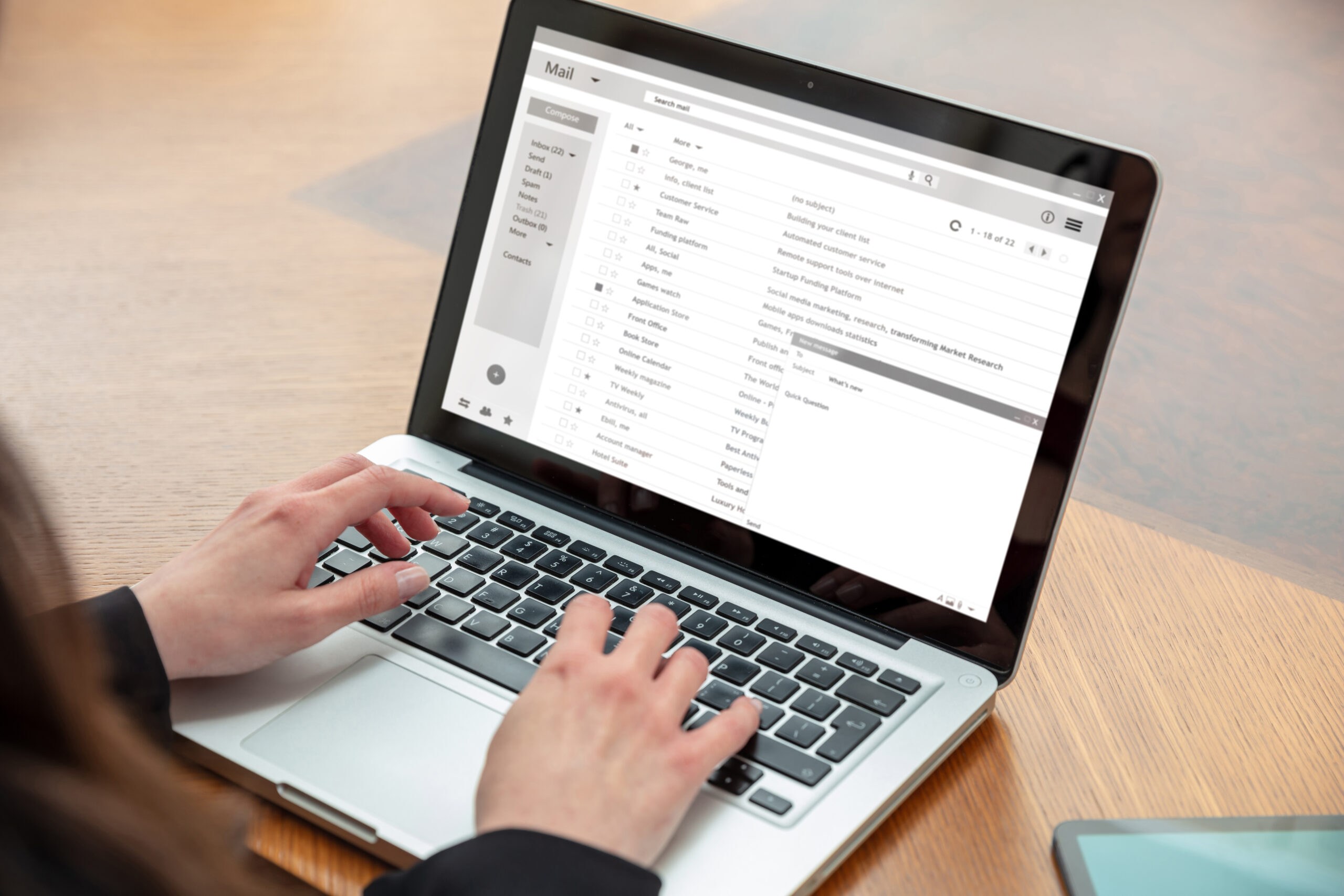
How to attach photos or files
Sometimes a short note is enough. Other times, a photo or PDF answers the question before anyone has to ask follow-up questions. That is especially true if you are sharing a screenshot, a reference image, a document, or a file that explains part of the request better than words can.
The safest file types for most contact requests are JPG, PNG, and PDF. If you are sending a photo from your phone, JPG is usually the simplest. If you are sending a document, PDF keeps the formatting steady. If the file is large, a share link is often better than a giant attachment that may get clipped or rejected.
The Gmail help center explains standard file attachments, and Google Drive’s sharing guide is a practical option when the file is too large for a normal email attachment. That is often the easiest path if you are sending more than a single photo or a PDF with several pages.
A simple attachment routine
- Check that the image or file is readable before sending.
- Rename the file so it makes sense later, such as
guest-list.pdfordetail-photo-1.jpg. - Use one short sentence in the message to explain what each file shows.
- If the file is large, add a share link and say whether it can be viewed or downloaded.
- If the file matters to timing, mention that in the first line of your message.
A useful trick is to describe the file the way you would hand it to a coworker: “Here is the photo of the front side,” or “This PDF includes the dates I mentioned above.” That tiny extra sentence removes guesswork. Guesswork is where inboxes go to nap, and the reader usually wants neither a nap nor a scavenger hunt.
Follow-up guidance
If you have not heard back after about a week, it is reasonable to follow up. The best way is to reply to the original email thread or send a short note through the contact form and mention the date of the first message. That keeps the history together and makes it easier to spot what changed, if anything.
Use this quick rule:
- Follow up after five to seven business days for normal requests.
- Follow up sooner only if the original message was clearly time-sensitive.
- Keep the follow-up short and specific.
- Include your original subject line or the date you sent the message.
- Say whether anything has changed since the first message.
If the request is urgent, the better move is not to send three messages in a row. One short update with a clear subject line is better than a pile of almost-identical notes. If the original message included attachments, keep those in the same thread so the reply has the full context. That is the email equivalent of leaving all the puzzle pieces on the table instead of hiding half of them in another room.
And if you need to ask a follow-up question, be kind to the reader’s time. A message that says, “Just checking whether my original note from Tuesday reached you” is much easier to answer than a message that starts with three paragraphs of apologies and no actual request. We are all on the same side of the inbox wall.
FAQ: response times and urgent requests
How long should I wait before I worry? For a normal inquiry, one to two business days is a fair expectation. If you sent your message late on a Friday or during a holiday, count from the next business day.
What counts as urgent? Anything with a real deadline attached: same-day changes, tomorrow’s event details, or a request that affects whether something can be prepared on time. If your message is urgent, put that in the subject line and explain the deadline in one sentence.
Should I call if I need something quickly? No public phone number is currently listed on the site, so email or the contact form are the correct paths. If a phone number is ever published, it should appear on the Contact page.
What if I forgot to attach a file? Send a short follow-up and include the file in the same thread. Say what the attachment is and why it matters. That is easier than starting over with a brand-new note and hoping somebody connects the dots.
Can I send more than one photo? Yes, if the extra photos help. Just label them clearly in the message so the reader knows what each one shows. “Front view,” “detail close-up,” and “full room” are the kinds of labels that save time.
What if I need to correct something in my first message? Reply to the original email and note the correction right away. A small correction is normal. People mix up dates, and phones sometimes autocorrect words into nonsense that looks strangely confident.
The short version
If you want the plain summary, here it is:
- Use the Contact page or email [email protected].
- Include your name, reason for writing, timing, and any files or photos that help explain the request.
- Expect a reply in about one to two business days for normal questions.
- Follow up after about a week if you have not heard back.
- Use urgent language only when the deadline is real and immediate.
If you are ready to send the short version, head to the Contact page. If you are still deciding what to ask, the Services & Info page will help you narrow it down before you write. Either way, the goal is the same: make the next step feel obvious instead of vague.